Industries / Food and beverage

Show ingredients, layers and serving details

Explain what goes into a dish or how a product is assembled. Use interactive product views and visual menus to connect presentation with ordering.

What suits 3D

  • Layered dishes and desserts
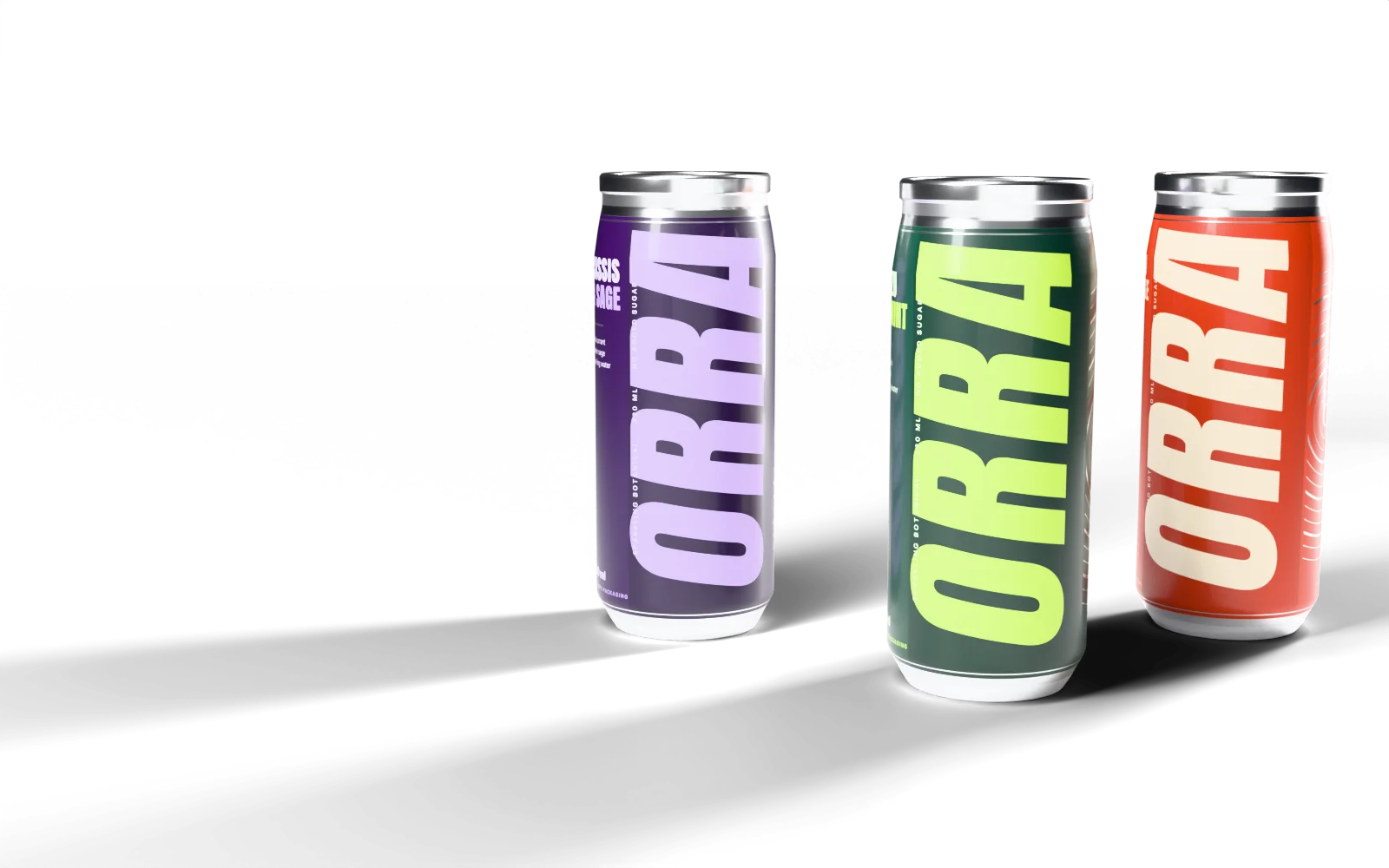
  • Drinks in bottles, cans and glasses
  • Packaged food ranges
  • Meal sets and serving combinations
  • Products with distinctive assembly

What visitors can do

  • Rotate a dish or packaged product
  • Explore labelled ingredients and layers
  • Compare serving and packaging options
  • Open product information or an ordering page

What we need from you

  • Product or dish samples for reference
  • Photos following a food-specific shot list
  • Approved ingredients and allergen information
  • Packaging artwork and dimensions
  • Menu structure and serving specifications

Integrations

  • Can be connected to headless commerce for ordering
  • Can be connected to PIM for ingredients and allergens
  • Can be connected to CRM for wholesale enquiries

Limits to plan for

  • Prepared dishes vary in shape and presentation
  • Models cannot convey taste, aroma or serving temperature
  • Ingredient and allergen labels require approved client information

Make your product easier to explore

Share your menu or product range to discuss the ingredients, details and choices to show.

Discuss a project